
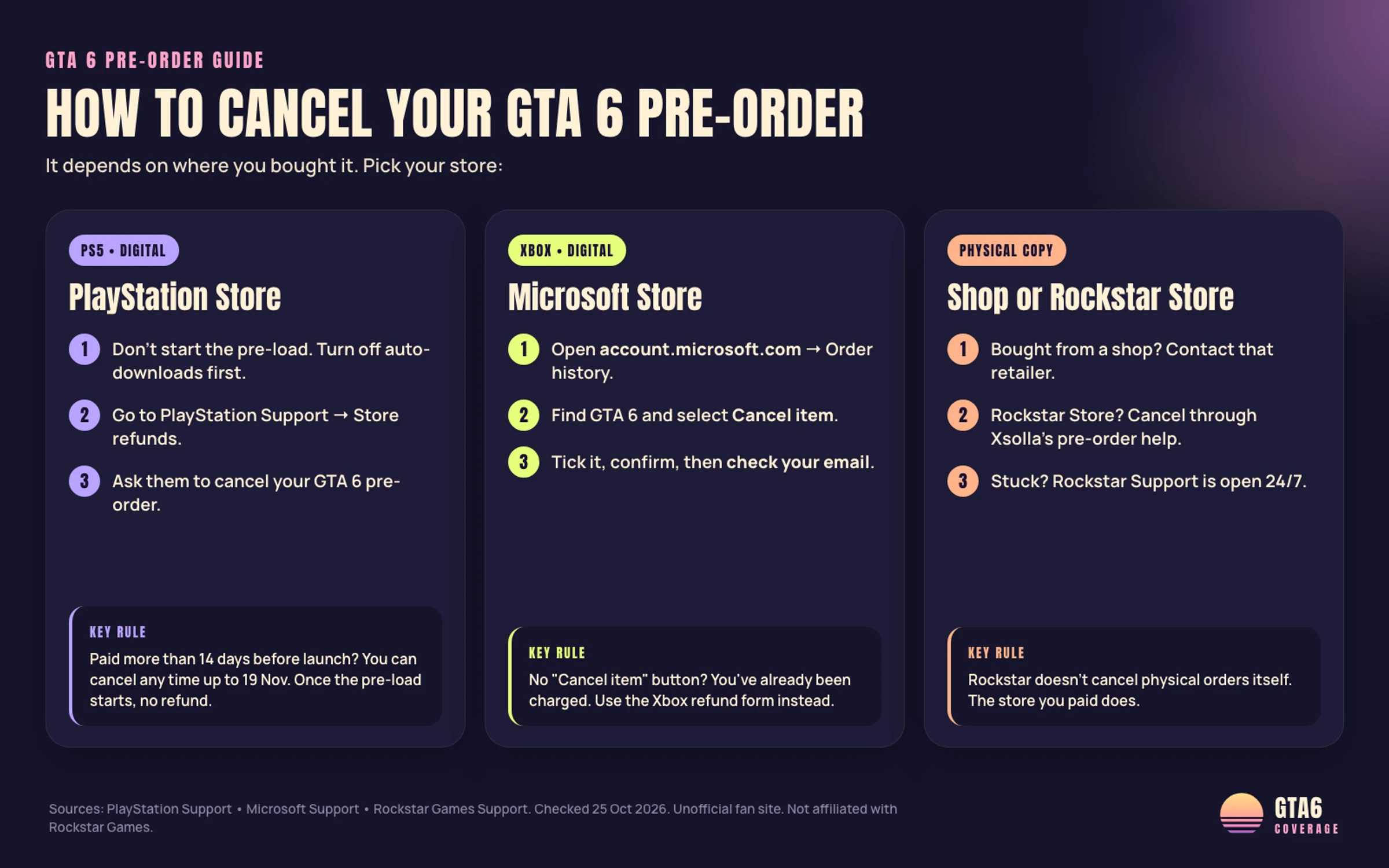
You can ask to cancel a GTA 6 pre-order, but Rockstar does not run one cancel desk for every purchase. PlayStation Store and Xbox digital orders follow those platforms' official support tools. A Rockstar Store physical pre-order follows Rockstar Support's physical cancel article. Other retailers keep their own refund desks. Platform timing is that store's rule, not a Rockstar promise that every request succeeds.
Can I Cancel My GTA 6 Pre-Order?
Yes — if the store that charged you still allows a cancel or refund under its rules. Start with the order confirmation. Rockstar's own pages point PlayStation and Xbox buyers to those platforms, and Rockstar Store physical buyers to the cancel path above.
How to Get GTA 6 Early
Players searching how to get GTA 6 early usually mean the official preload window. The Rockstar Store GTA VI page states that pre-load begins November 12, 2026, and that physical code-in-box copies support pre-load on that date. Rockstar lists the game release as November 19, 2026.
PlayStation's cancel pre-order page treats a started main download, including pre-loading, as blocking that refund path. Finish any cancel request before November 12 if you are still unsure.
How to Cancel a GTA 6 Pre-Order Online
For an online digital order, open the same platform account that paid. Use PlayStation Support for PlayStation Store buys; for Xbox storefront buys, see How to Cancel a Pre-Order on Xbox. For a purchase outside the Rockstar Store, Rockstar's refund policy says the retailer's refund rules apply.
How to Cancel a Pre-Order on PS5
On PlayStation Store, Sony's cancel pre-order page lets you ask for a refund when you change your mind, if the main content has not begun downloading or streaming. If you paid more than 14 days before release, Sony allows a cancel any time up to the release date when that main download has not started, including pre-loading. If you paid 14 days or less before release, Sony limits the window to 14 days after placing the pre-order under the same download rule. Sony also warns that automatic downloads can start the main part for you, and that early bonus content stops working if you cancel.
How to Cancel a Pre-Order on Xbox
For Xbox / Microsoft Store digital pre-orders, follow Microsoft's official cancel page: open Order history on the Microsoft account that paid, select Cancel item next to the pre-order, confirm the item, then check your email for cancellation confirmation. Microsoft says you can cancel a pre-order before you are charged or before the item has shipped. If Cancel item is missing because the order was already billed, use Microsoft or Xbox refund help for your region instead.
How to Gift a GTA 6 Pre-Order
Neither Rockstar Support nor the platform cancel pages publish a gift-transfer cancel path for every store. If your goal is moving a pre-order to someone else, ask the store that holds the order before you cancel or rebuy.
Still Need Help?
Contact the same seller's support team with the order number if the on-account cancel button fails. PlayStation's cancel page points you to PlayStation Support specialists when self-serve is not enough. For Xbox digital orders, see How to Cancel a Pre-Order on Xbox. For other retailers, use that retailer's help desk.
How to Cancel a Microsoft Store Order Purchased With a Personal Account
For a personal Microsoft account pre-order, follow the Cancel item steps in How to Cancel a Pre-Order on Xbox. Rockstar Support does not replace that desk for Xbox storefront buys. The Rockstar Store refund policy states that digital purchases made outside Rockstar's own stores follow the retailer's refund policy.
What If I Don't See the Cancel Item Option and Can't Cancel My Order?
If Cancel item is missing on Xbox or Microsoft Store, see How to Cancel a Pre-Order on Xbox for the billed-order path. On PlayStation, the cancel pre-order page says a started main download, including preload, generally blocks that refund path. Open a support case with the order ID instead of retrying a missing button.
How Do I Cancel an Unauthorized or Accidental Purchase?
Contact the store that took the payment as soon as you spot the charge.
PlayStation Store problems go to PlayStation Support; for Xbox / Microsoft Store, see How to Cancel a Pre-Order on Xbox. Keep the transaction ID and avoid redeeming a code or starting a download while the dispute is open.
How Can I Cancel My Physical Version Pre-Order of Grand Theft Auto VI?
Cancel a Rockstar Store physical pre-order through the steps in Rockstar Support's physical cancel article. If you bought the box from another shop, contact that retailer.
The Rockstar Store says physical versions contain a download code to support pre-load on November 12, with no disc in the box. That date matters once shipment or code redemption begins, so cancel before those steps if you can. For the rumour that the physical copy comes with a disc, see Is It True?
How Many GTA 6 Pre-Orders Sold?
Rockstar has not published a public GTA 6 pre-order sales total as of 25 October 2026.
Treat any viral sales figure as unconfirmed unless Rockstar or Take-Two states it with a source link. For timing, use Rockstar's listed November 19, 2026 release date and the store that holds your order. See also the pre-release fact-checking guide.
Read it at the source.
We link the original announcement and primary material used for this briefing.
- PlayStation — How to cancel a PlayStation Store pre-order
- Microsoft — Cancel an order or pre-order from Microsoft Store
- Rockstar Support — Cancel a physical GTA VI pre-order
- Rockstar Store — Grand Theft Auto VI (pre-load date)
- Rockstar Games — Grand Theft Auto VI official site
- Rockstar Games — Rockstar Store refund policy
GTA 6 Coverage is an unofficial fan publication and is not affiliated with or endorsed by Rockstar Games or Take-Two Interactive Software, Inc. Trademark notice
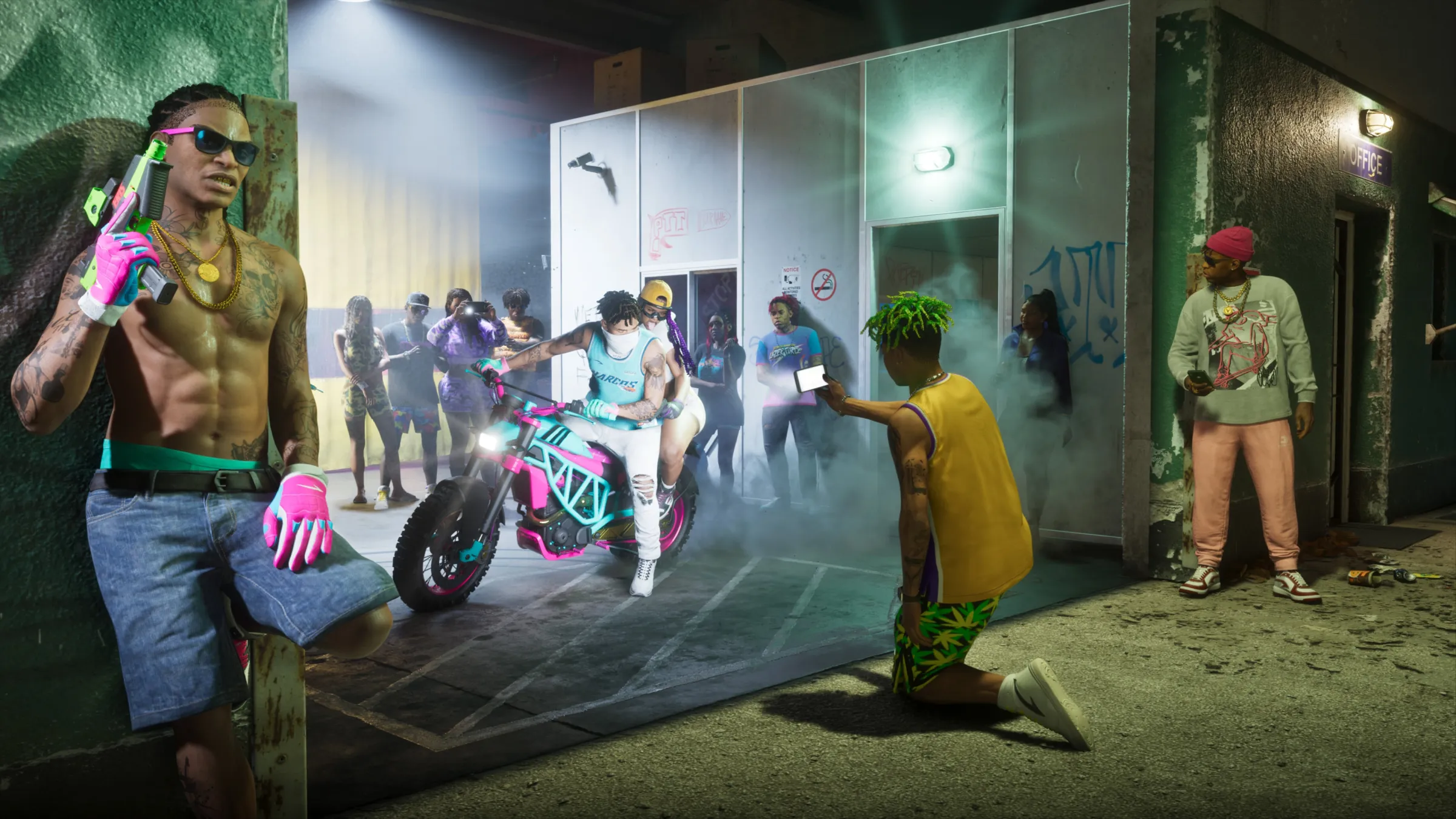
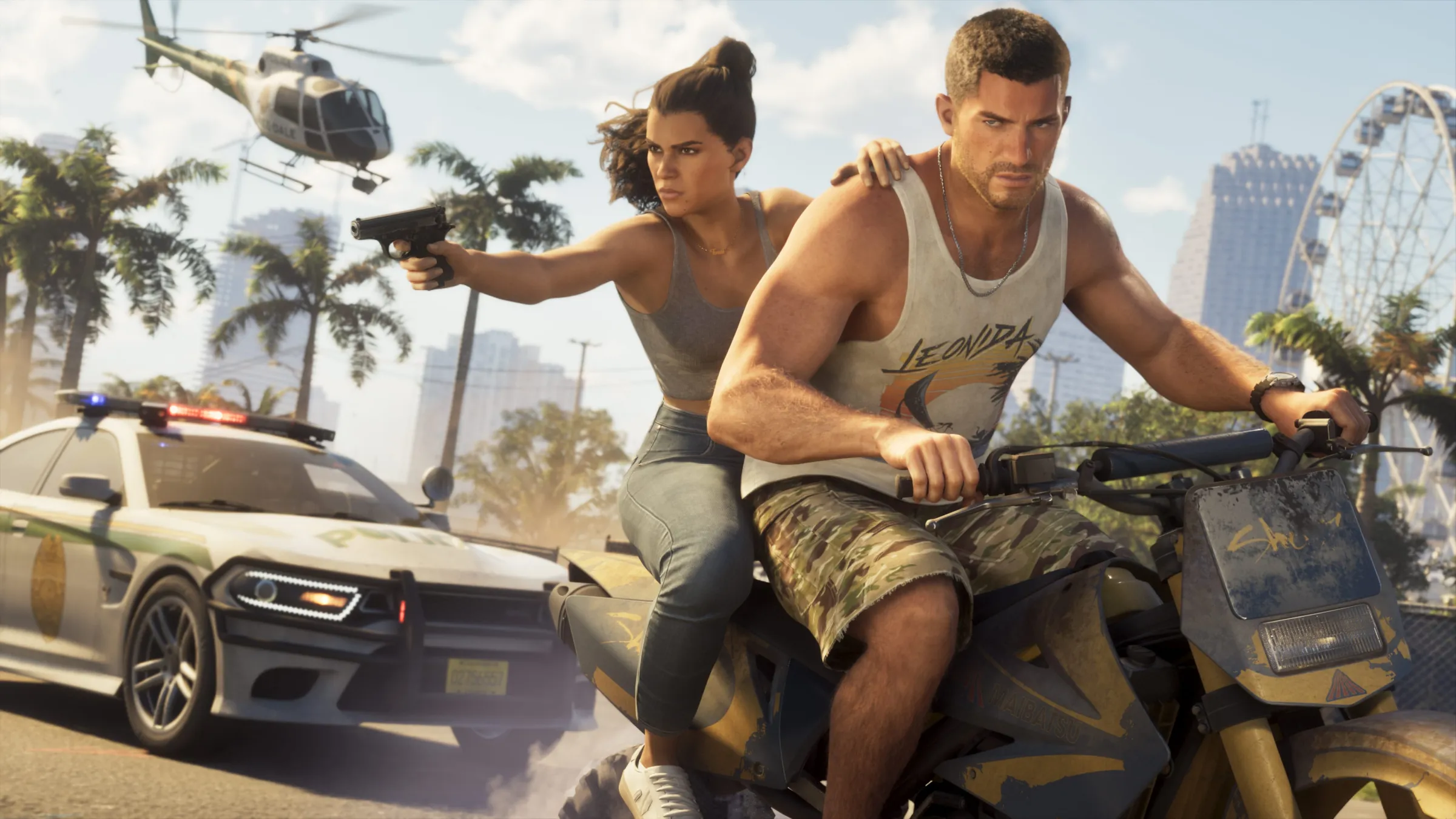 Image: Rockstar Games
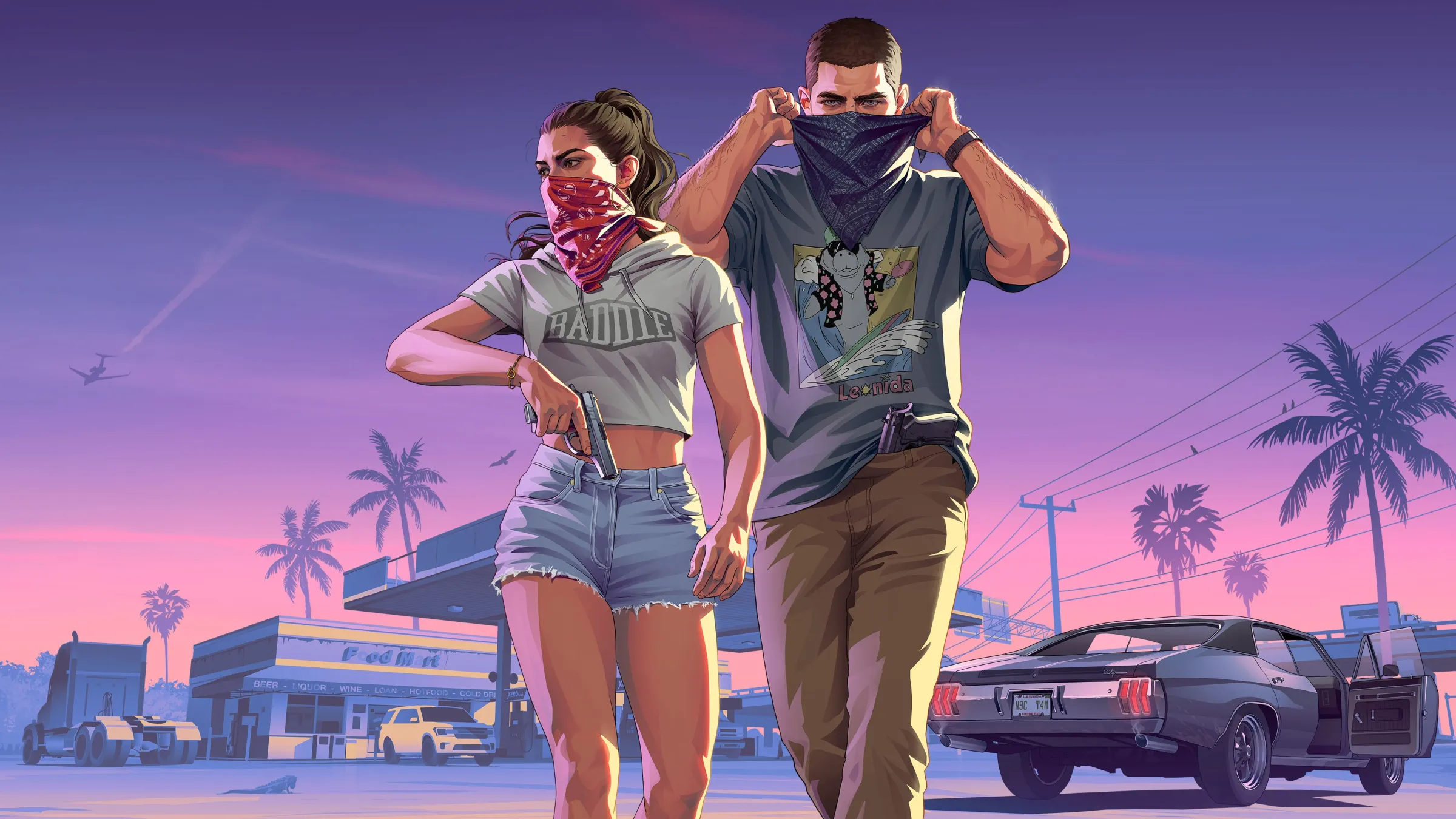 Image: Rockstar Games
 Image: Rockstar Games